Home About us Guides Price Install app

How to Add Age Verification to Your Shopify Store

If you sell age-restricted products like vape, alcohol, CBD, tobacco, or knives, you are legally responsible for making sure your customers are old enough to buy them. Shopify does not do this for you out of the box. Your store will happily take an order from anyone, of any age, unless you add a check yourself.

This post covers the ways to verify age on Shopify, which ones actually hold up, and the simplest way to set one up without touching code.
Why a plain disclaimer is not enough

The most common approach is a line of text near the buy button that says something like "You must be 18 or older to purchase." This does almost nothing. There is no action required from the customer, no record that they confirmed anything, and no barrier to a minor clicking buy. If a regulator, payment processor, or platform ever asks how you verify age, a passive sentence is not an answer.

You need the customer to take a deliberate action that you can point to later.

The two ways to verify age that work

There are two setups worth considering, and many stores use both.

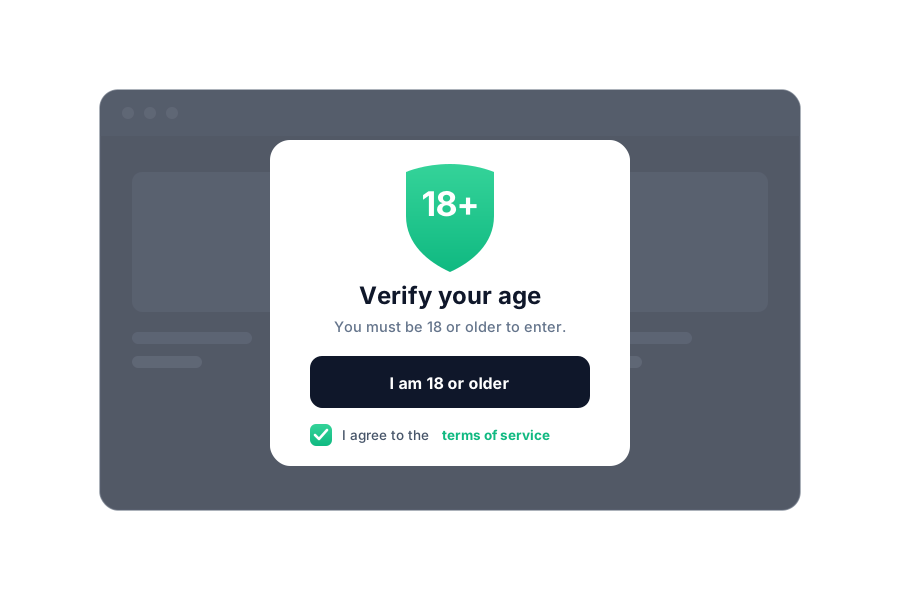
An age gate on entry. Before a visitor can browse, a popup asks them to confirm their age or enter their date of birth. Nobody sees your products until they pass. This is the right choice when your entire catalog is age-restricted, for example a dedicated vape or liquor store.

A confirmation at checkout. Instead of blocking the whole store, you require the customer to check a box confirming they are of legal age before they can complete the order. This is better when only some of your products are restricted, or when you do not want to add friction to casual browsing.

Both approaches create the thing you actually need: a clear moment where the customer confirmed their age before buying.

Do not forget the terms agreement

Age is often only half of it. Many stores also need customers to agree to terms of service, a returns policy, or a shipping disclaimer before ordering. The mechanism is the same: a required checkbox the customer has to tick, ideally with a link to the full policy inside the label so they can read it without leaving the page.

If you are already adding an age check, adding a terms checkbox at the same time is a small extra step that closes a real gap.

What to look for in an age verification setup

  • It blocks the action, not just the view. The customer cannot complete the purchase without confirming.
  • It works on mobile. Most of your traffic is on a phone, and a popup that breaks on mobile is worse than none.
  • You can style it to match your store. A jarring gray box hurts trust.
  • It supports links inside the label. So a terms or age checkbox can point to your policy pages.
  • It does not slow your store down. Heavy scripts cost you sales and search ranking.
Age verification

The simplest way to set it up

Building this by hand means editing your theme, writing the popup logic, storing the confirmation, and testing it across devices. For most merchants that is more work than it is worth, and it breaks the next time you change themes.

Pass Check adds age verification and agreement checkboxes to your Shopify store without any code. You can choose an entry age gate, a checkout confirmation, or a terms checkbox, add clickable links inside the label, style it to match your store, and have it live in a few minutes. It works on mobile and does not slow your storefront down.

If you sell anything age-restricted, this is one of the first things to set up. Get it in place before you need it, not after a chargeback or a compliance email.